Introducing PoshLayer™ Desk, on every screen you own
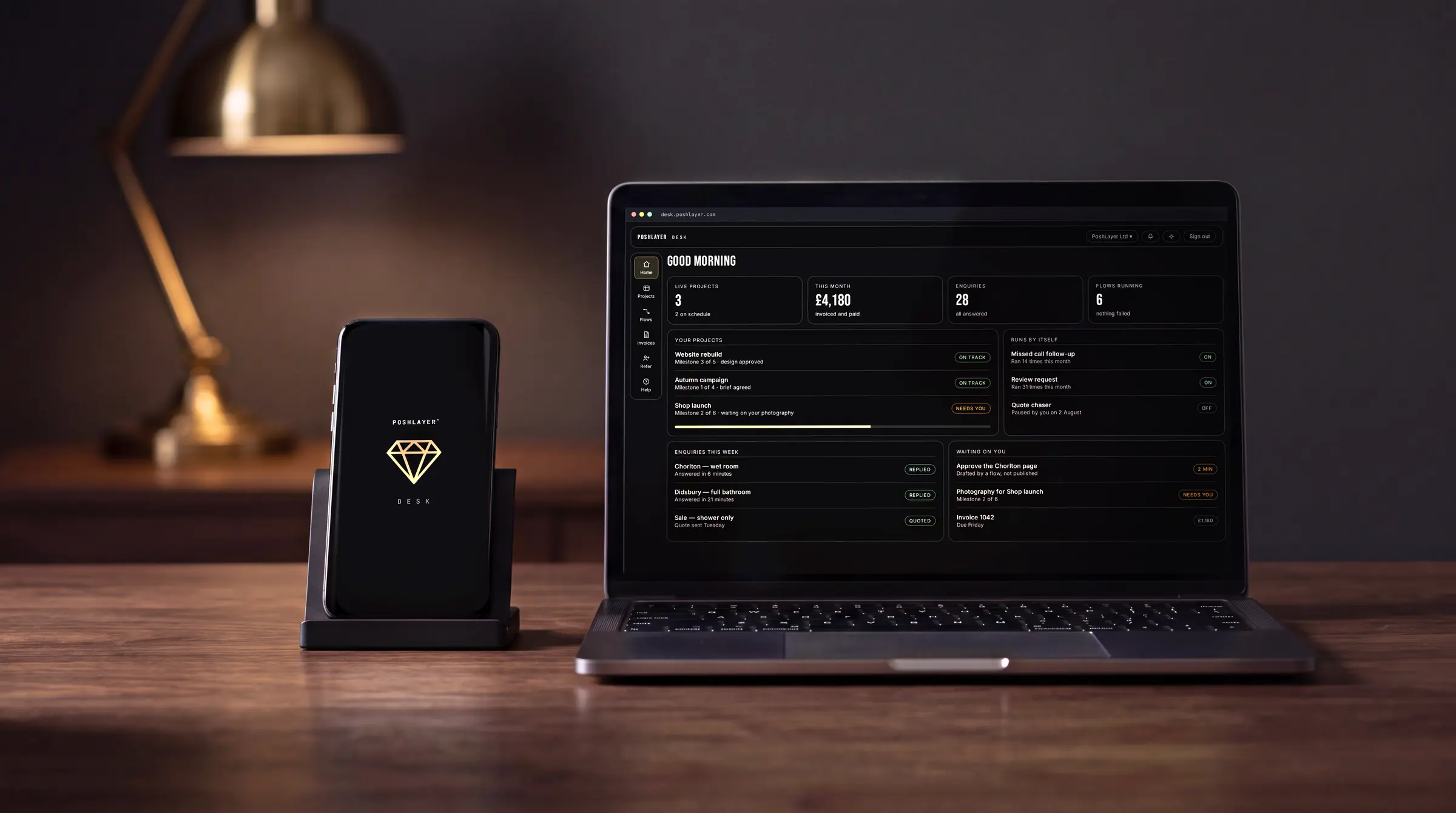
One console for your projects, invoices, enquiries and everything that runs by itself — in a browser, on iPhone and on Android. The same product on all three, not three products with a shared name.
Start here
Every business we work with ends up with the same pile: a folder of invoices somewhere, an inbox with the enquiries in it, a spreadsheet nobody trusts, and a phone number for the person who knows where everything is. The website sits apart from all of it, quietly collecting the enquiries that started the pile.
PoshLayer™ Desk is where we put the pile. It comes with every package, it is included in the care you already pay, and it is the same thing in a browser as it is in your hand.
Table of contents
One product, three screens
There is one Desk. Not a web version and a phone version that quietly drift apart, but one thing, and your account plan (Local, Brand or Elite) decides what is in it.
Most software you have used was built more than once, and you can tell. The phone version gets whatever was quick to copy across, so the thing you were shown in the demo turns out to be missing when you are standing in a car park, and nobody can say when it will arrive. There is nothing here to be missing. What you can do at your desk, you can do from the passenger seat.
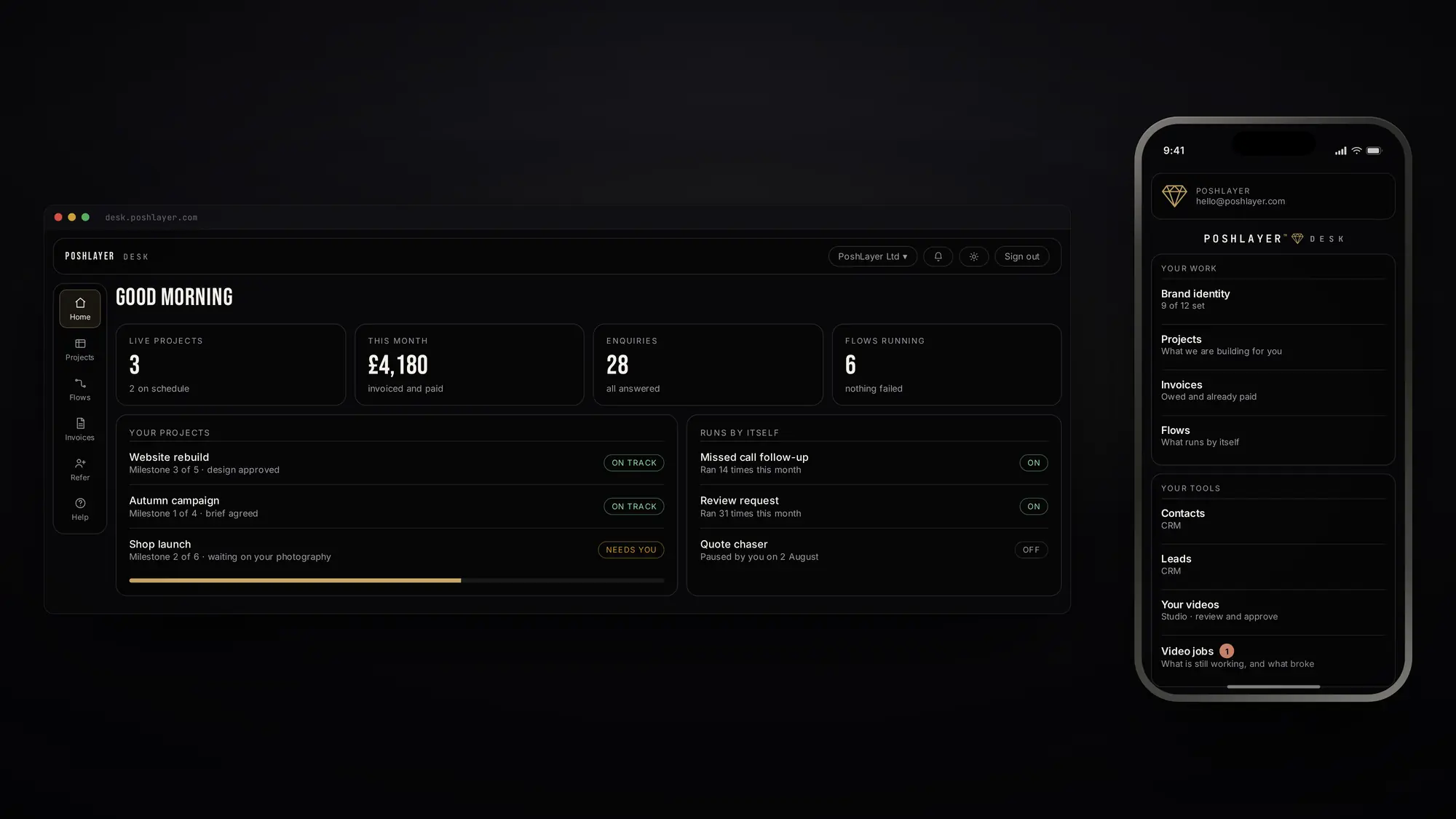
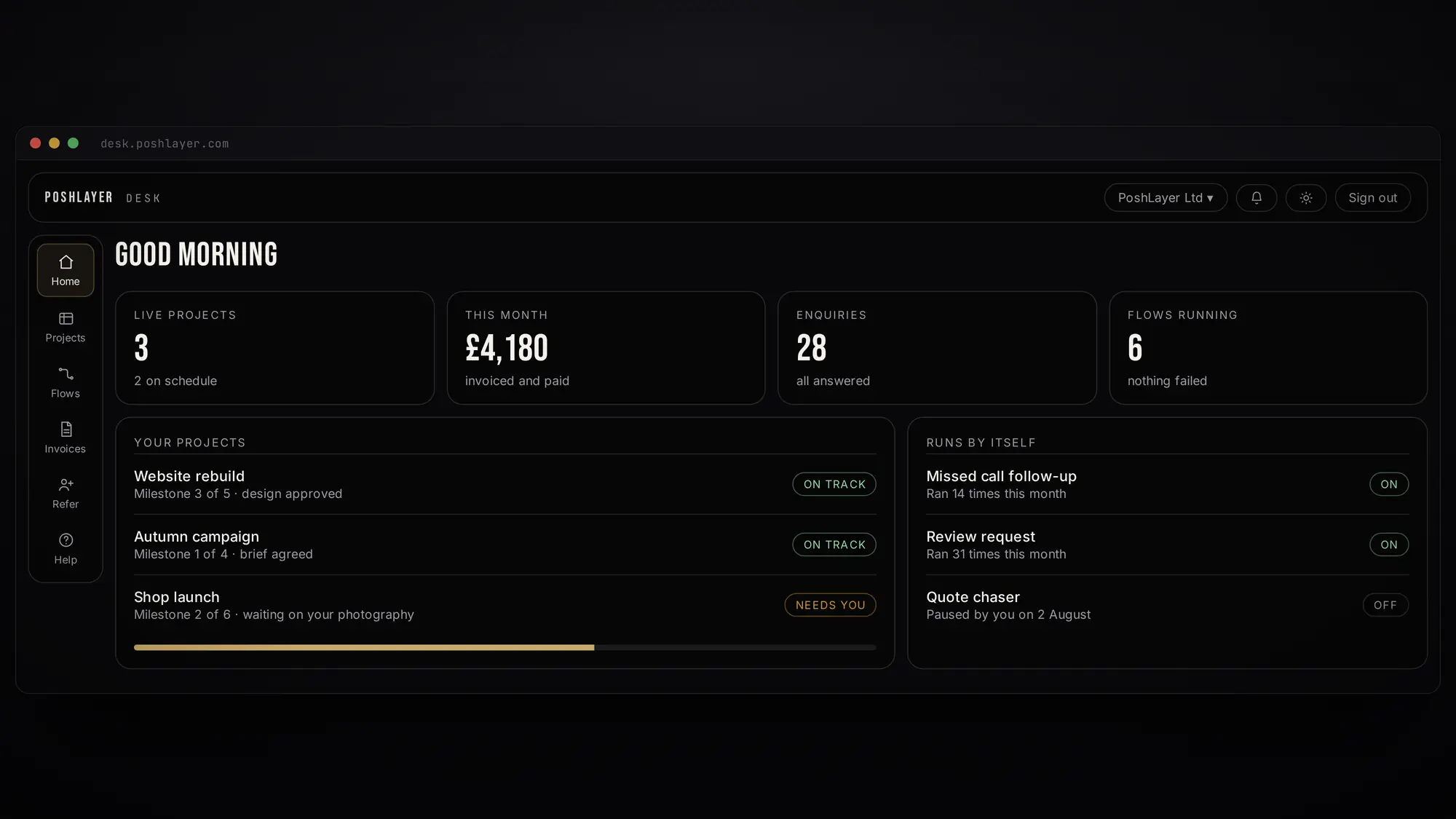
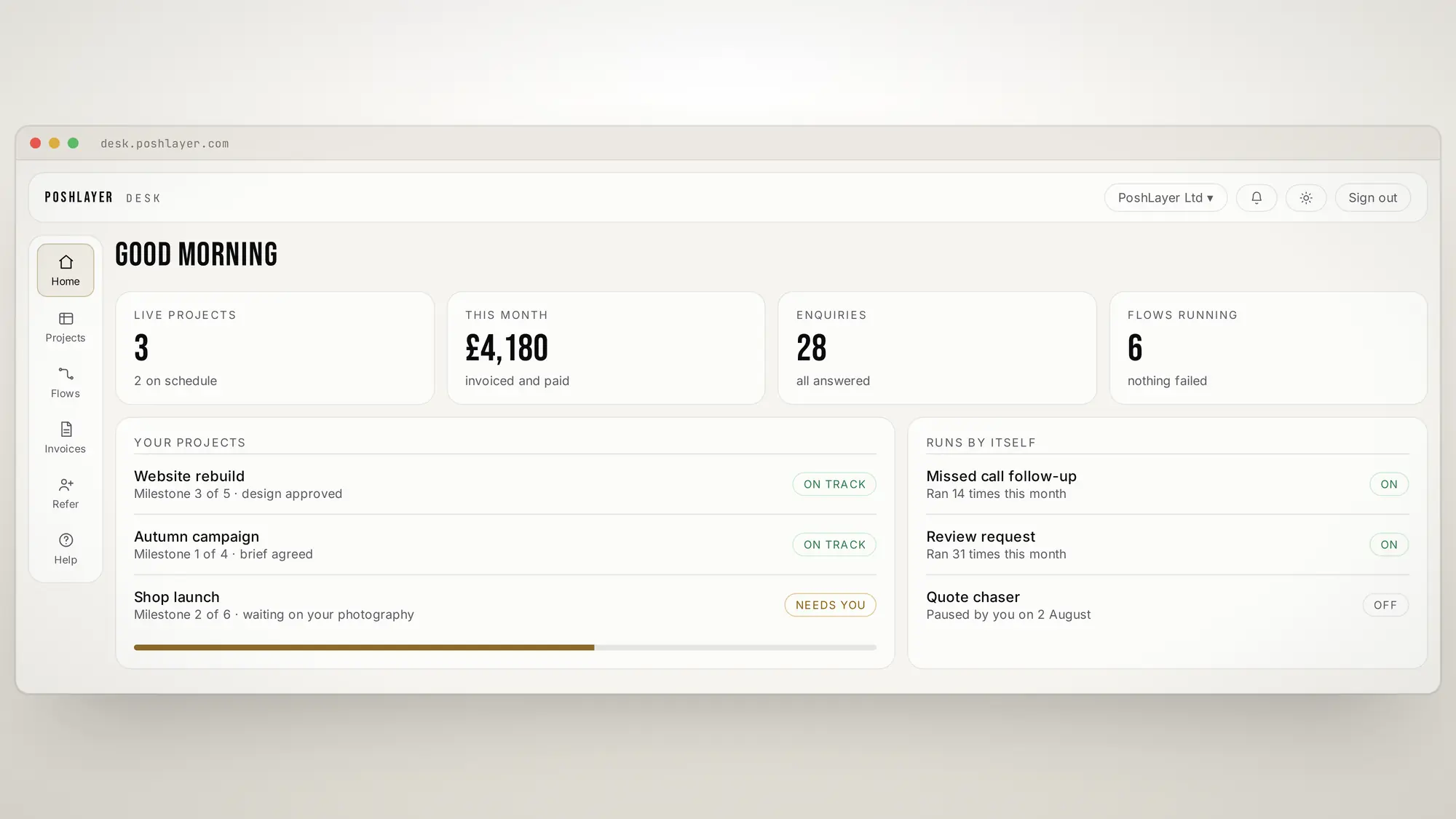
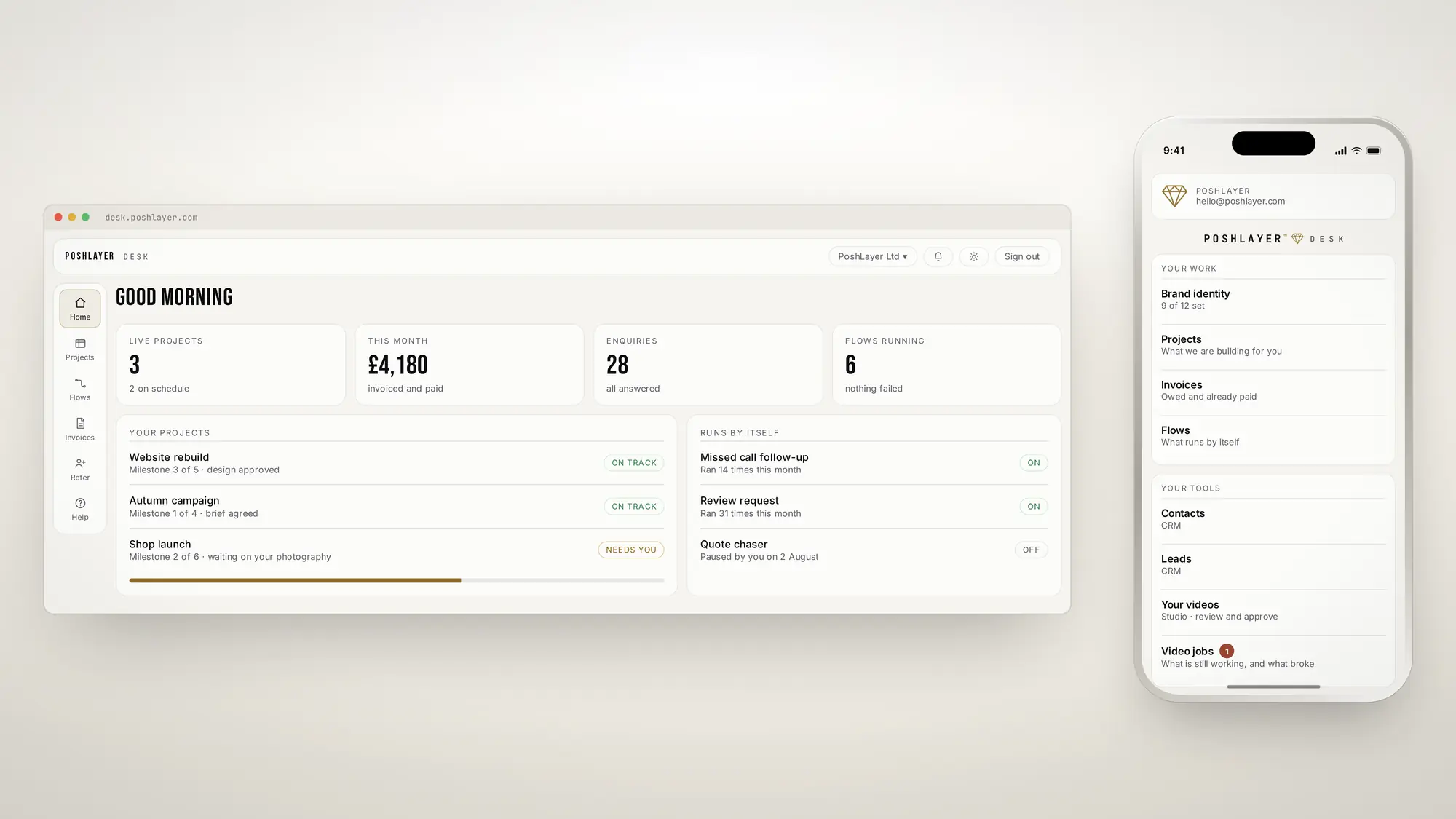 The console, and the same console in a hand
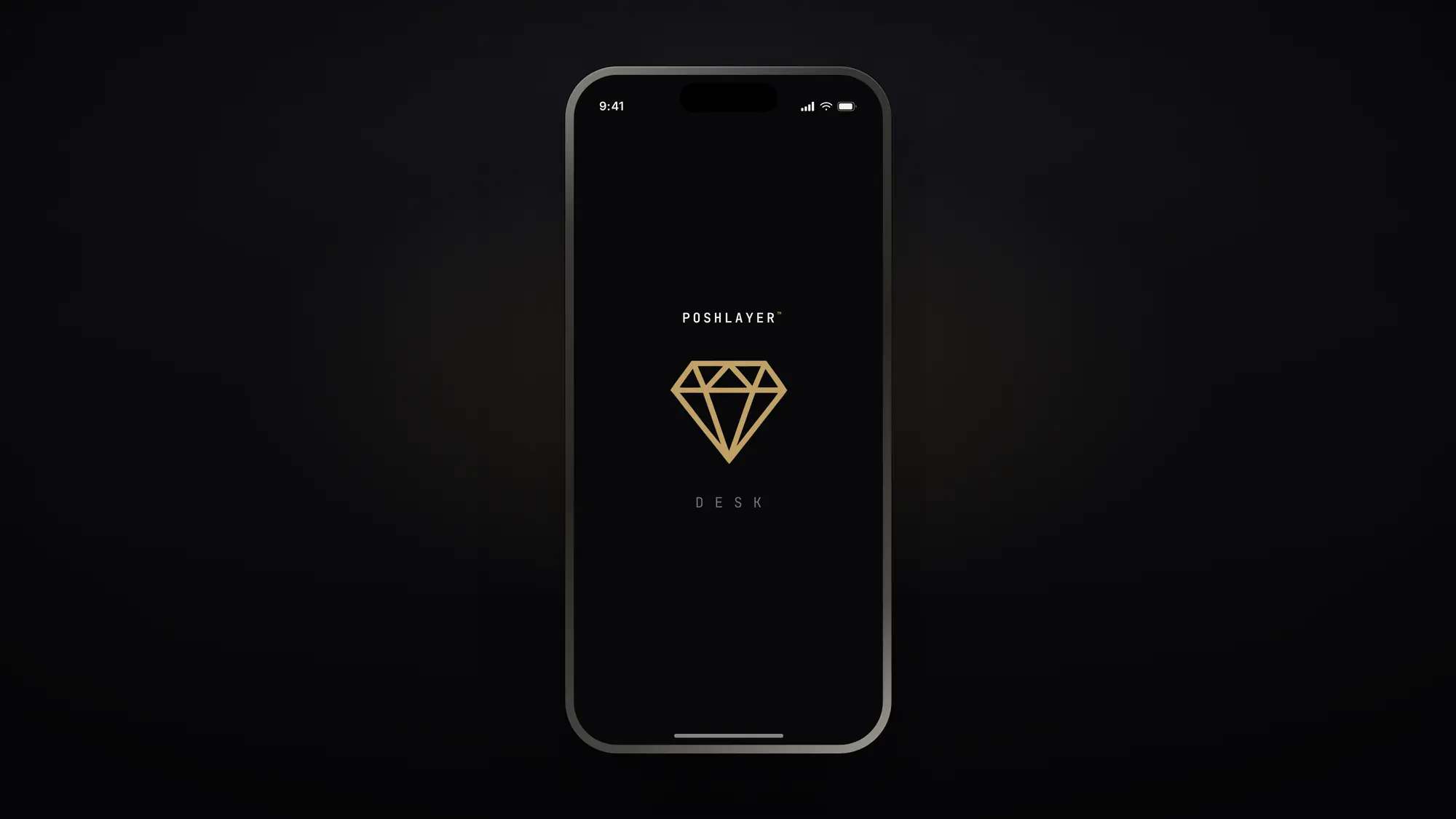
 Opening it. The mark draws itself, once.
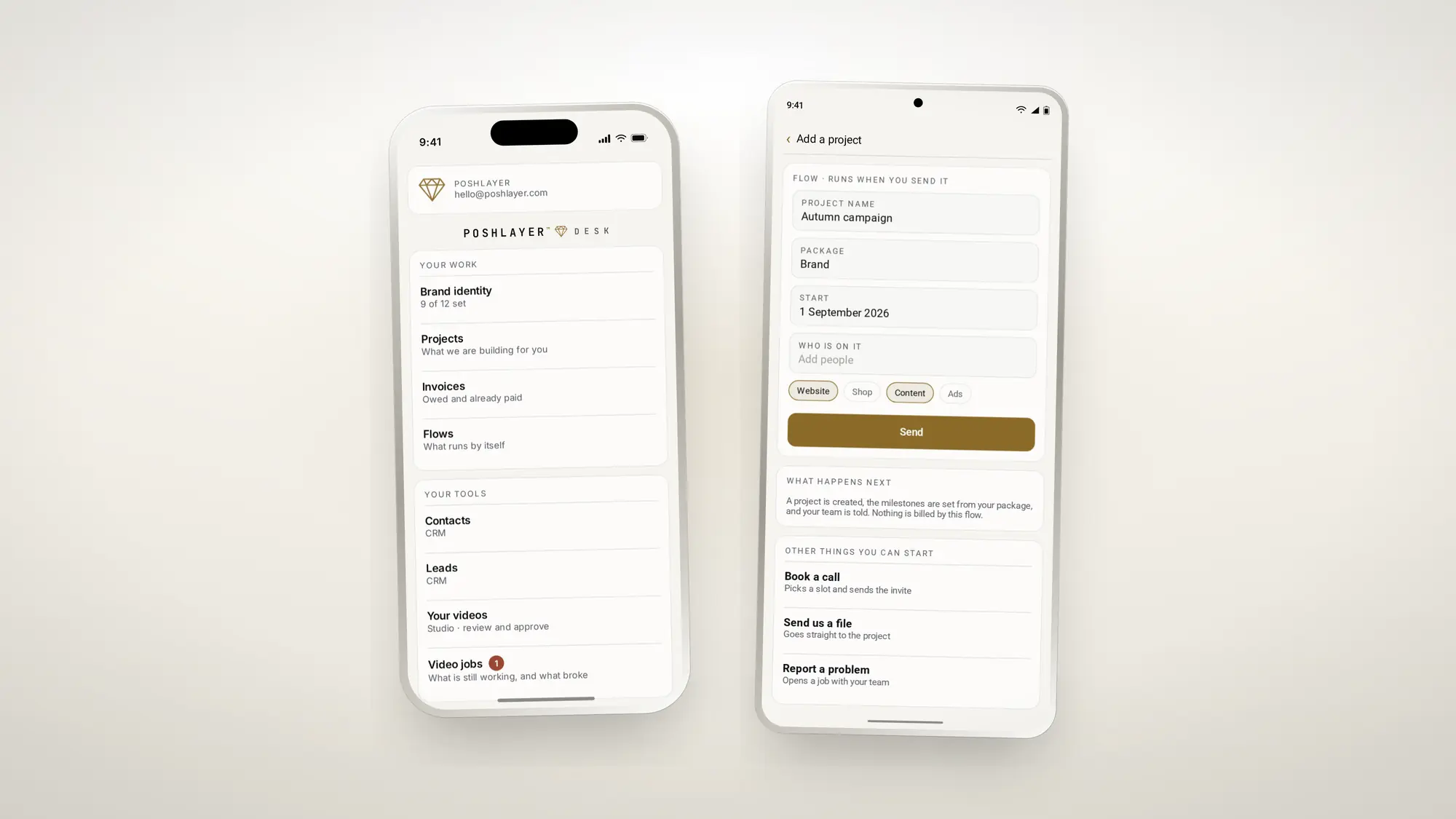
Open desk.poshlayer.com in any browser, on any machine. Install the app on an iPhone or an Android and you get the same Desk, built for the phone rather than shrunk onto it. Nothing to keep up to date, and nothing to learn twice.
What is actually in it
The rows differ by what you have bought — a business without a shop has no orders — but the shape is always the same.
- Your projects. Every build, its stages, and what is waiting on whom. The milestones are fixed onto the project when you pay for it, so re-pricing a package later never rewrites the history of work you already bought.
- Your invoices. What is owed, what is paid, and a button that opens a proper payment page. The desk, the email and the accounts agree because they are reading the same record.
- Your brand identity. Your name, your look, your voice — the colours, the faces, the way you sound written down. Anything not filled in is something we can make for you.
- Enquiries and contacts. Leads before they are customers and customers after, kept deliberately separate, because a business treats the two differently and pretending otherwise loses one of them.
- Flows. The things that run without you: the follow-up after a missed call, the review request, the quote chaser. Each one says what it does, how often it has done it this month, and has an off switch.
- Your videos. If we make content for you, the cuts arrive here to be watched and approved rather than emailed round.
- Help, and the people on your account.
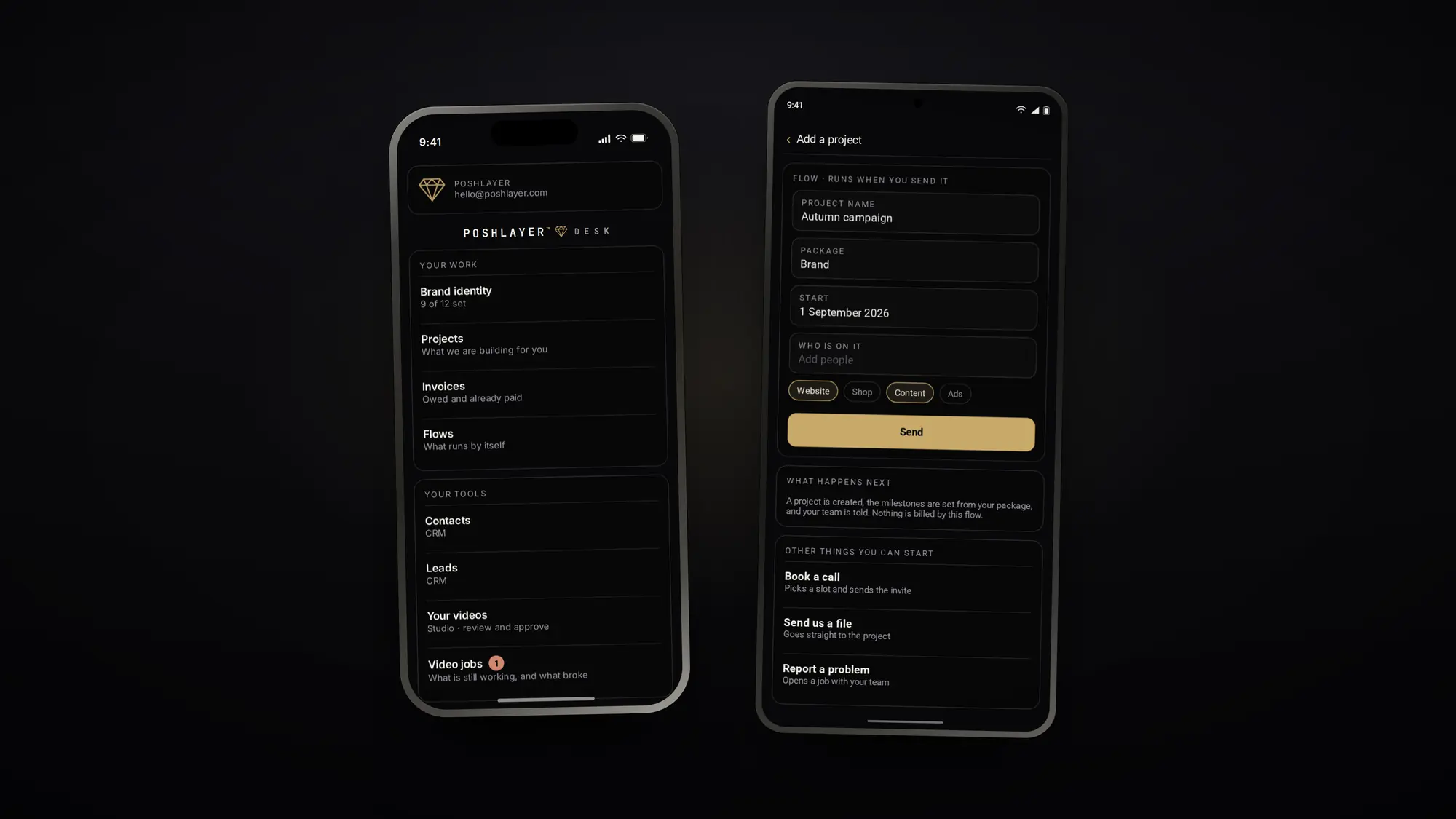
The phone is not a cut-down version
This is the part most consoles get wrong, and it is worth being specific about.
The apps for iPhone and Android are not a wrapper around the website. They are real applications, built for each platform, and they were designed at phone width first rather than squeezed down from a desktop layout afterwards.
Every screen is walked at 390 points wide — the narrowest phone anyone still carries — and it fails if anything slides sideways, if a button is smaller than your thumb, or if any text drops below a size you could read on a train. It is run before a release, not after a complaint.
Two other things follow from being native rather than a page in a shell. The app respects your phone’s own settings: dark or light comes from the device, not the account, and it survives signing out. And if you have asked your phone to reduce motion, the opening animation does not play — it draws the finished mark instead.
It looks like you, not like us
On a desk we build for your business, our mark is not there.PJ @ PoshLayer
On a desk we build for your business, our mark is not there. The wordmark at the top is yours, the accent colour running through the buttons and the header is yours, and if you would rather no trace of PoshLayer appeared in front of your own customers, that is the default rather than an upgrade.
You can ask for our mark to stay. Most brands do not, and we would rather they did not have to ask.
Your people, and what each one sees
A business is not one person, and one login shared between five is how a receptionist ends up looking at the accounts.
So a desk has people on it, with a level each. Owners and admins run it and decide who else is on it. Staff work inside it. A client — if you have your own — sees their own projects, invoices and files, and nothing belonging to anybody else. And a viewer is somebody outside the business you want to give exactly one door to: an accountant, a partner, a contractor. They get that door and nothing behind it.
One person can hold a place on more than one desk at a different level on each, which is ordinary for anyone who runs more than one thing.
Adding somebody takes a minute and no software: they put in their email address, a code arrives, and the desk opens on their part of it. Removing them closes it, and there is nothing left on their phone to uninstall — what they could see was never in the app to begin with. It asks who they are every time it opens, which is also why a row somebody cannot see is a row their account genuinely does not have, rather than one hidden behind a setting.
That is how support works too. When you tell us something looks wrong, we can look at your desk exactly as your own account draws it, read-only, without signing in as you.
It updates without a queue
Most improvements reach an installed app in seconds rather than waiting for a store. We can fix a wrong label, change a form, or add a whole flow, and the next time you open the app it is there. Only genuinely structural changes need a new release.
That is why the desk changes as often as it does without ever asking you to go and update something.
Getting on it
If you are already a client, your desk exists — desk.poshlayer.com, with the email address we already have for you. There is no password to forget: you put in your email address, a six-digit code arrives, and you are in. On a phone you stay signed in until you sign out.
The iPhone and Android apps are in private release while the store listings go through review. If you want to be on one now, ask us and we will put you on it.